If you have read an economics or psychology paper that mentions “oTree” or “z-Tree,” you may have wondered what these names mean. They are not English words, and they have nothing to do with real trees. They are two software tools that researchers use to run experiments with human participants.
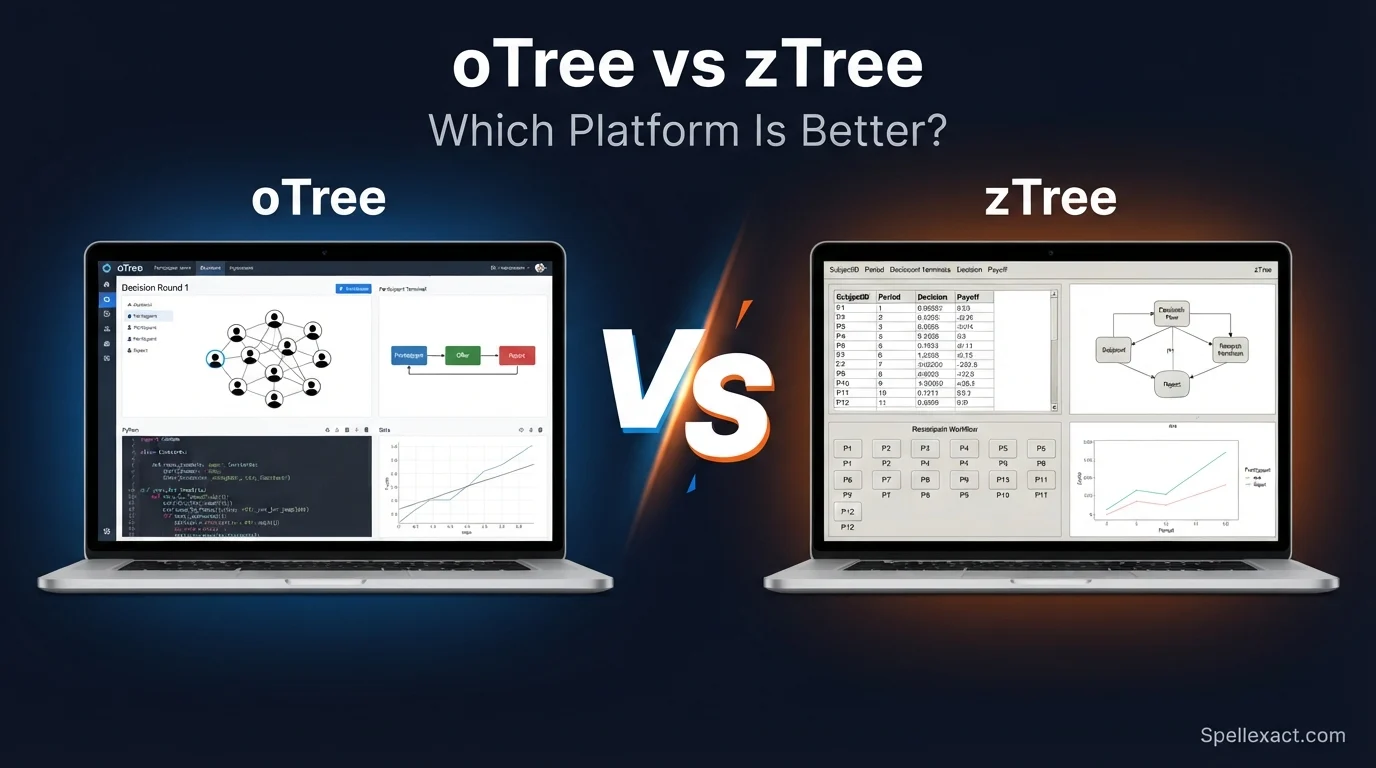
oTree is a free, open-source platform built with Python. It runs in a web browser, so people can join from a laptop, tablet, or phone. z-Tree, short for Zurich Toolbox for Readymade Economic Experiments, is a Windows program designed for computer labs. This guide explains what each tool does, how they differ, and how to choose between them. No coding background is needed to follow it.
Quick Answer: What Is oTree or zTree?
oTree is a free, Python-based platform for running behavioral experiments in web browsers, online or in a lab. z-Tree is a Windows-based program from the University of Zurich for lab experiments on a local network. Both are used in economics and social science research. Choose oTree for online or mobile studies and z-Tree for classic lab sessions.
Why Do People Confuse oTree and zTree?
The names look almost the same, and both tools do a similar job. Here is why people mix them up:
- Both end in “Tree,” and the names differ by only one letter.
- Both are used in experimental economics and behavioral science.
- Both let researchers run interactive games with several participants at once.
- Both are often mentioned together in the methods sections of research papers.
The main differences are the technology behind them and where the experiment takes place.
What Is oTree?
oTree is an open-source platform for creating and running multiplayer experiments, surveys, and games. It was introduced in 2016 by Daniel Chen, Martin Schonger, and Chris Wickens. Researchers write experiments in Python, along with some HTML for the pages that participants see.
Key features of oTree:
- Participants take part through a web browser, so they need no special software.
- It works on computers, tablets, and smartphones.
- It supports online studies, lab studies, and field studies.
- It handles groups, rounds, payments, and data export.
- It is free to use, and the code is open source.
Because oTree runs on the web, you can host an experiment on a server and send participants a link. If you want to try it yourself, the official oTree website has free tutorials, sample games, and documentation for beginners.
What Is zTree?
z-Tree is experiment software created by Urs Fischbacher at the University of Zurich and published in 2007. It was built for computer labs where every participant sits at a connected computer.
Key features of z-Tree:
- It has two parts: the z-Tree program (the experimenter’s server) and z-Leaf (the participants’ screens).
- It runs on Windows computers connected through a local network.
- Researchers build experiments with a graphical interface and a built-in scripting language.
- It is a long-established tool, so many labs and textbooks already use it.
- It is free for academic research, but you must follow the license terms on the official site.
z-Tree does not need an internet connection, which makes it a stable choice for controlled lab sessions.
oTree vs zTree: Comparison Table
| Feature | oTree | z-Tree |
| Full name | oTree (no longer an acronym) | Zurich Toolbox for Readymade Economic Experiments |
| First released | 2016 | 2007 |
| Main creator(s) | Daniel Chen, Martin Schonger, Chris Wickens | Urs Fischbacher |
| How participants join | Web browser | z-Leaf program on lab computers |
| Setting | Online, lab, or field | Computer lab |
| Programming skill | Python and basic HTML | Graphical interface plus its own scripting language |
| Works on phones | Yes | No |
| Operating system | Cross-platform | Windows |
| Cost | Free and open source | Free for academic use under a license |
When Should You Use oTree and When Should You Use zTree?
Use oTree when:
- Your participants will join from home or from their own devices.
- You want to run an experiment on a website or with a link.
- You already know Python or want to learn it.
- You need a flexible design with custom pages and features.
Use z-Tree when:
- Your experiment will take place in a physical computer lab.
- Your lab already has z-Tree installed and trained staff.
- You prefer to build an experiment without writing Python.
- You want to follow older studies and replicate them closely.
Examples of Experiments Built With oTree or zTree
Both tools can run these classic studies:
- Public goods game: Players decide how much money to put into a shared pot.
- Dictator game: One person decides how to split money with another.
- Ultimatum game: One player offers a split, and the other accepts or rejects it.
- Trust game: One player sends money, and the receiver decides how much to return.
- Prisoner’s dilemma: Two players choose to cooperate or not.
- Beauty contest game: Players guess a number to test strategic thinking.
- Auctions: Participants bid for an item in different auction formats.
- Market experiments: Buyers and sellers trade in a simulated market.
- Voting experiments: Groups choose between options using different rules.
- Risk and time preference tasks: People choose between safer and riskier payoffs, or between money now and later.
- Surveys with incentives: Participants answer questions and earn a payment.
Common Mistakes to Avoid
- Thinking they are the same tool. They have different technology and different uses.
- Writing the names incorrectly. The correct forms are “oTree” and “z-Tree” (also written “zTree”).
- Assuming oTree is only for online studies. It also works well in labs.
- Assuming z-Tree works on any computer. It is designed for Windows.
- Ignoring the license. Always check the official terms before using either tool in a study.
- Skipping pilot tests. Test your experiment with a few people before running a full session.
Memory Trick
Think of o as online (or “open”): oTree runs in the browser and is open source. Think of z as Zurich and the lab: z-Tree comes from the University of Zurich and is built for lab computers.
American English vs British English
There is no spelling difference here, because these are software names and not ordinary words. However, the surrounding vocabulary can change:
- American English: behavioral experiments, program
- British English: behavioural experiments, programme (for a course, though software is still a “program”)
The names stay the same in both: oTree and z-Tree. Keep the lowercase “o” and “z” and the capital “T,” as the creators write them.
Similar Tools and Related Terms
If you are learning about experiment software, you may also see these names:
- PsychoPy: A tool for psychology experiments, often used for single-participant tasks.
- jsPsych: A JavaScript library for running behavioral experiments in the browser.
- lab.js: A builder for browser-based experiments.
- Qualtrics: A survey platform often used for questionnaires and simple experiments.
- nodeGame: A JavaScript platform for online, real-time multiplayer experiments.
- ORSEE: A system for recruiting participants and managing lab sessions.
Related concepts include experimental economics, behavioral economics, game theory, participant recruitment, and incentivized experiments.
Final Verdict
Neither tool is better in every case. oTree is the more flexible choice for modern research, especially online or mobile studies, and it suits people who are comfortable with Python. z-Tree remains a solid, proven choice for labs that run in-person sessions on Windows computers.
If you are a student starting a new project and you can learn some Python, oTree is usually the easier way to reach participants. If your university lab already uses z-Tree, follow your lab’s setup and ask your supervisor.
Frequently Asked Questions
What is oTree used for?
oTree is used to build and run behavioral experiments, multiplayer games, and surveys. Researchers in economics, psychology, and other social sciences use it to study how people make decisions.
What does zTree stand for?
z-Tree stands for Zurich Toolbox for Readymade Economic Experiments. It was developed at the University of Zurich for running economic experiments in computer labs.
Is oTree free?
Yes. oTree is free and open source. Some optional hosting services may cost money, but the core software does not.
Is zTree free?
z-Tree is free for academic research, but you need to follow its license terms. Check the official website for the current rules before you use it.
Do I need to know programming to use oTree?
Yes, a little. oTree experiments use Python and basic HTML. Beginners can start with the official tutorials and sample games.
Can I run oTree and zTree experiments online?
oTree is designed for online use because it runs in a browser. z-Tree is mainly for labs on a local network, so it is not the usual choice for online studies.
Which is better for beginners, oTree or zTree?
It depends on your setting. z-Tree uses a graphical interface, which some beginners find friendly in a lab. oTree has a large online community and works anywhere, but it needs basic Python.
Are oTree and zTree only for economics?
No. Economics is their main home, but psychologists, political scientists, and sociologists also use them to study decisions, cooperation, and social behavior.
Remember This
- oTree is browser-based, uses Python, and works online or in a lab.
- z-Tree is Windows-based and built for computer labs.
- Both run multiplayer experiments in economics and social science.
- Use the correct spellings: oTree and z-Tree.
- Always check the license and pilot-test your experiment.
Conclusion
oTree and z-Tree are experiment tools, not English words, which is why their similar names cause confusion. oTree came later and runs in any web browser, while z-Tree is the older lab-based program from the University of Zurich. Knowing this makes research papers and course materials much easier to read.
When you choose between them, think about where your participants will be and what skills you have. Online or mobile study? Start with oTree. In-person Windows lab with z-Tree already installed? Stay with z-Tree. Either way, test your experiment first and read the official documentation.

Aaron Adam is the Administrator of SpellExact, dedicated to helping readers improve their spelling and writing accuracy. He oversees content quality, ensures reliable language resources, and works to make spelling guidance simple, practical, and accessible for everyone.